Optimal College Management System
Optimal College Management System is an integrated, Enterprise Resource Planning (ERP) system designed to cater for the needs of colleges and universities. It has a rich set of innovative features that span the entire student life cycle; from online applications to certification. Some of the modules are described below:
Course Management Module
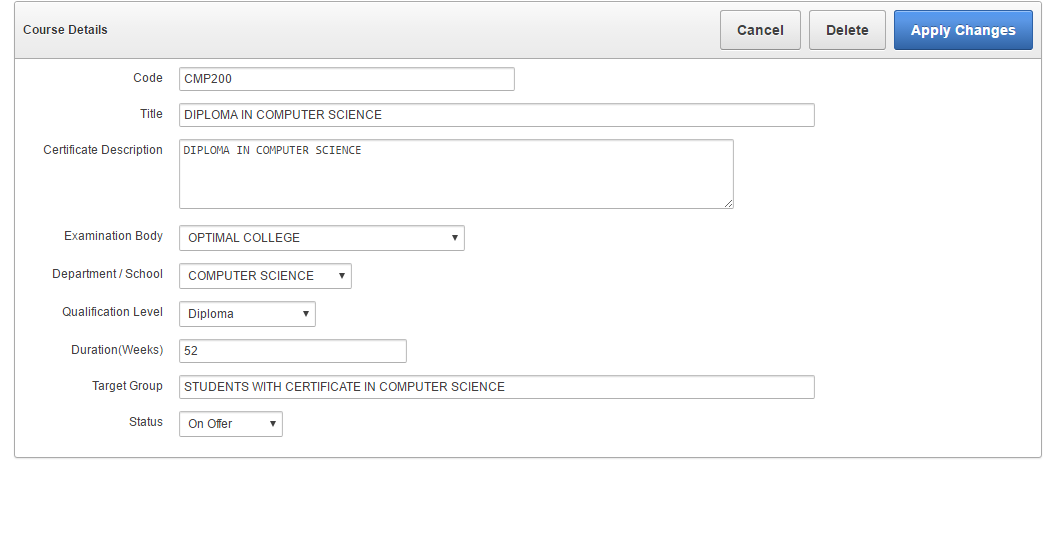
Courses represent the primary product that colleges offer to prospective students. The course administration module allows colleges to quickly create and manage both short courses (e.g. a one week short course in Microsoft Word) as well as more formal academic programmes (e.g. a three year Diploma in Business Administration). In addition, colleges can quickly define the fee structure for each course by picking from a set of customizable list of fee items such as tuition fees, registration fees, exam fees (where applicable), teaching materials etc. It is also easy and quick to specify the subjects or modules that are taken in each course (e.g. Programming 1A, Introduction to Databases etc). The pre-requisites and academic credits for each subject can also be specified.
In summary, this module supports the following:
- Creating courses (both short courses and long courses)
- Specify the admission requirements for each course.
- Creating subjects or specific modules on offer (names, credits, pre-requisites etc)
- Defining subjects for each course
- Defining course fees (tuition fees, registration fees, exam fees, materials etc)
- Creating and managing the course schedules (dates, venues,etc)
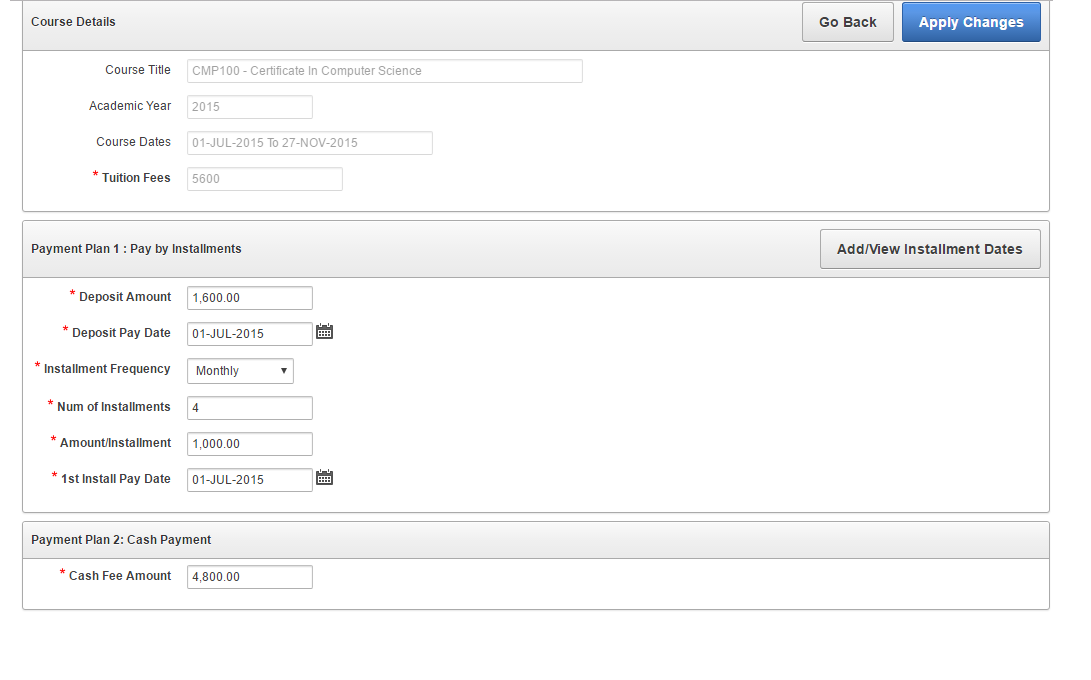
- Defining different payment plans for each scheduled course (e.g. monthly installments (number of installments, frequency of installments, deposits etc))
Some sample screens are presented below.
Manage Courses : Sample Screen shots
Student Management Module
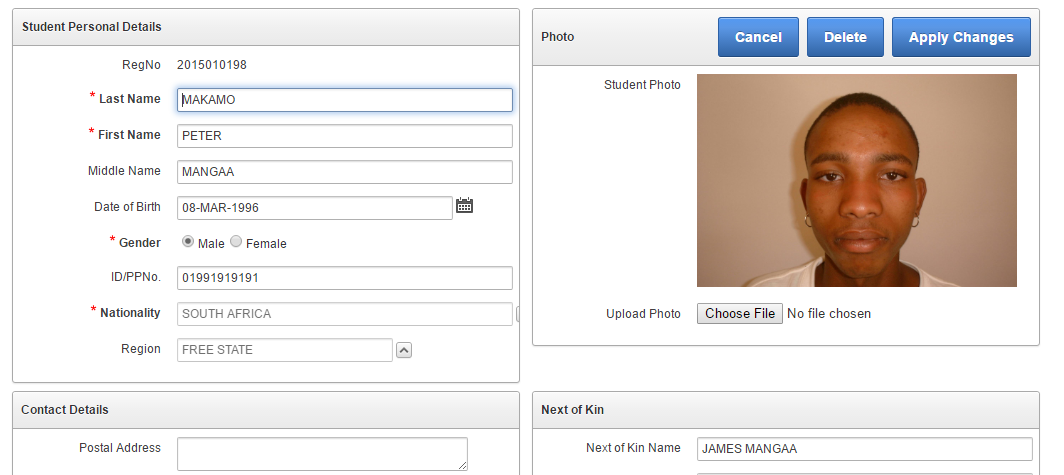
- Capture and record student’s details (personal details, contact details, guardian/sponsor details etc)
- Capture and record student qualifications profile in detail
- Capture and upload Student photos
- Scan and store supporting documents (certificates, academic transcripts, testimonials, CVs, ID documents and passports etc)
Some sample screens are presented below.
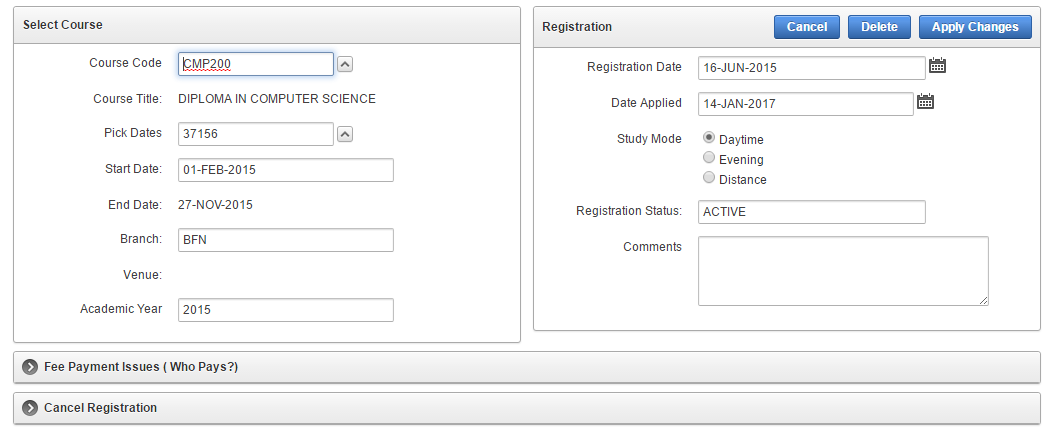
Manage Academic Plans
- Create and manage academic calendars (semester/term dates, exam sessions, other events such as sports days etc)
- Allocate teaching duties to lecturers (i.e. who teaches which subject)
- Create subject time tables (i.e. which subject is taught in which venue at what day of the week and at which period (start and end time)).
- Generate teaching loads per lecturer, per subject, per course, per department etc.
Assign Lecturer Duties
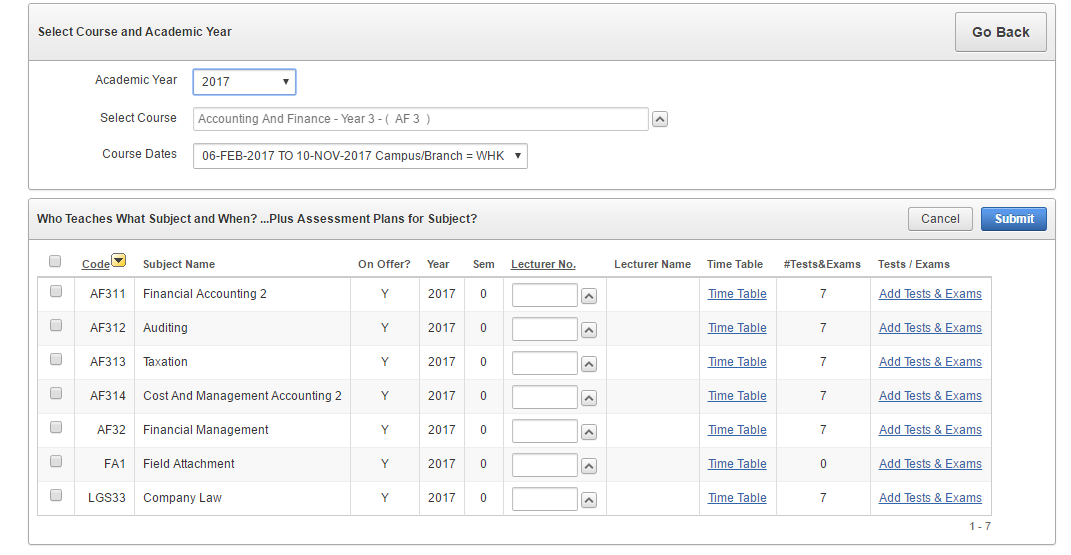
Assign Lecturer Duties
Manage Assessments (Tests, Assignments, Exams)
Managing assessments is a crucial activity in a college or campus. An accurate, easy to use and widely accessible assessment management system can significantly improve lecturer productivity. Crucially, the ability to timeously provide students with accurate assessment results helps improve the image of the institution not only to the students, but to the wider stakeholder community such as guardians, parents and sponsors. ICMS provides a reliable, flexible and feature-rich module for managing assessments in a college. The assessment module enables a college to:
- Create and maintain grading schemes for various examination bodies
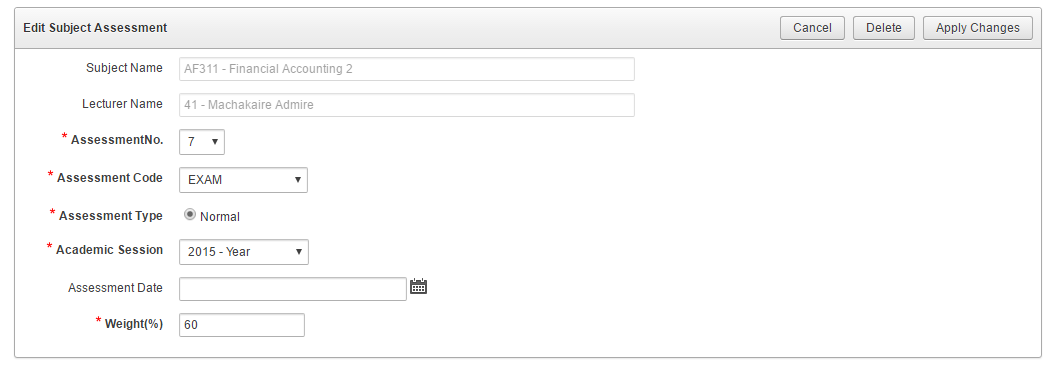
- Create assessment plans for each subject on offer. An assessment plan includes the assessment types, dates for the assessment and the weights (for example Test1 (20%), Test2 (10%), Project (10%), Exam (60%)).
- Makes provision for assignments and homework that do not need marking.
- Capture and record marks for each assessment.
- Automatically calculate the final scores and grades for each subject for each student. ICMS relies on assessment weights to calculate the final scores and grades.
- Automatically flag out students who are eligible for supplementary exams
- Handle other special assessments such as special exams.
- Implement reasonable security provisions for the processing of marks. For example, a lecturer can only work with marks for his/her own subject(s). Only allow lecturers to enter and or modify assessment scores in pre-determined access periods. Prevent any further modification of assessment scores once the marks are approved for release to students.
- Allow eligible students to access and view their exam results online. The eligibility criteria may include, for example, no fee arrears.
- Create and manage exam time tables (venues, dates, invigilators,etc)
- Generate exam time tables (per date, per venue, per student, etc)
- Allow eligible students to access their exam time tables online.
Create Assessment Tasks (Tests, Assignments, Exams etc)